Niagara Escarpment System


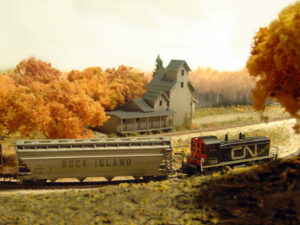
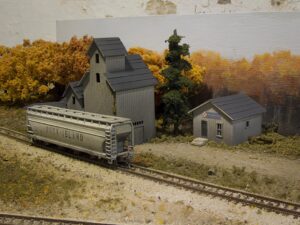
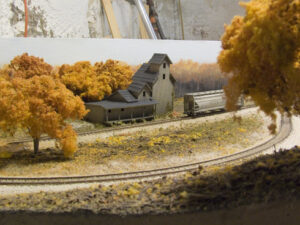
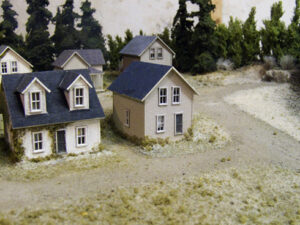
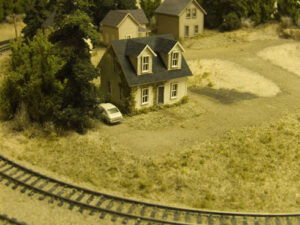
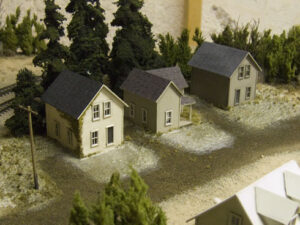
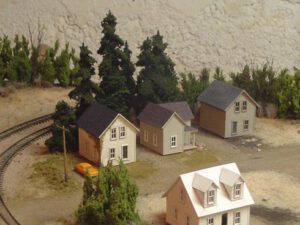
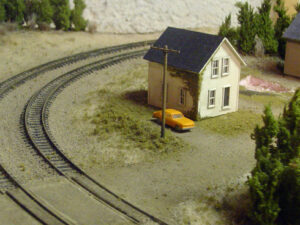
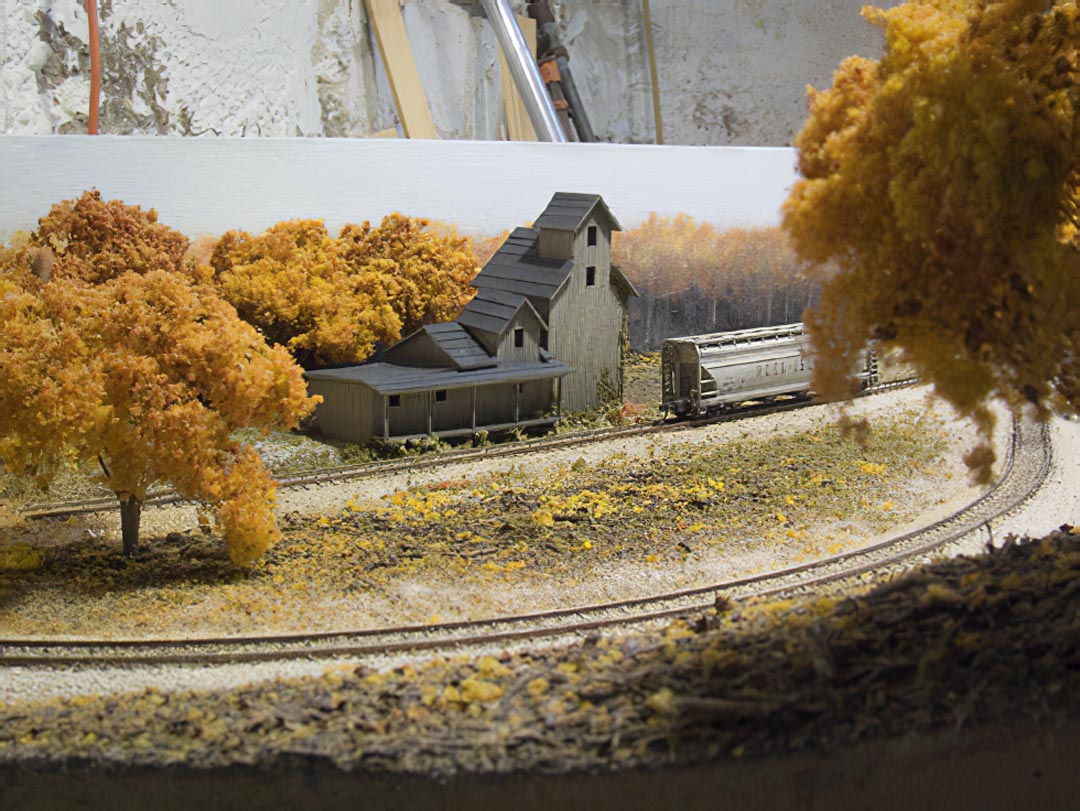
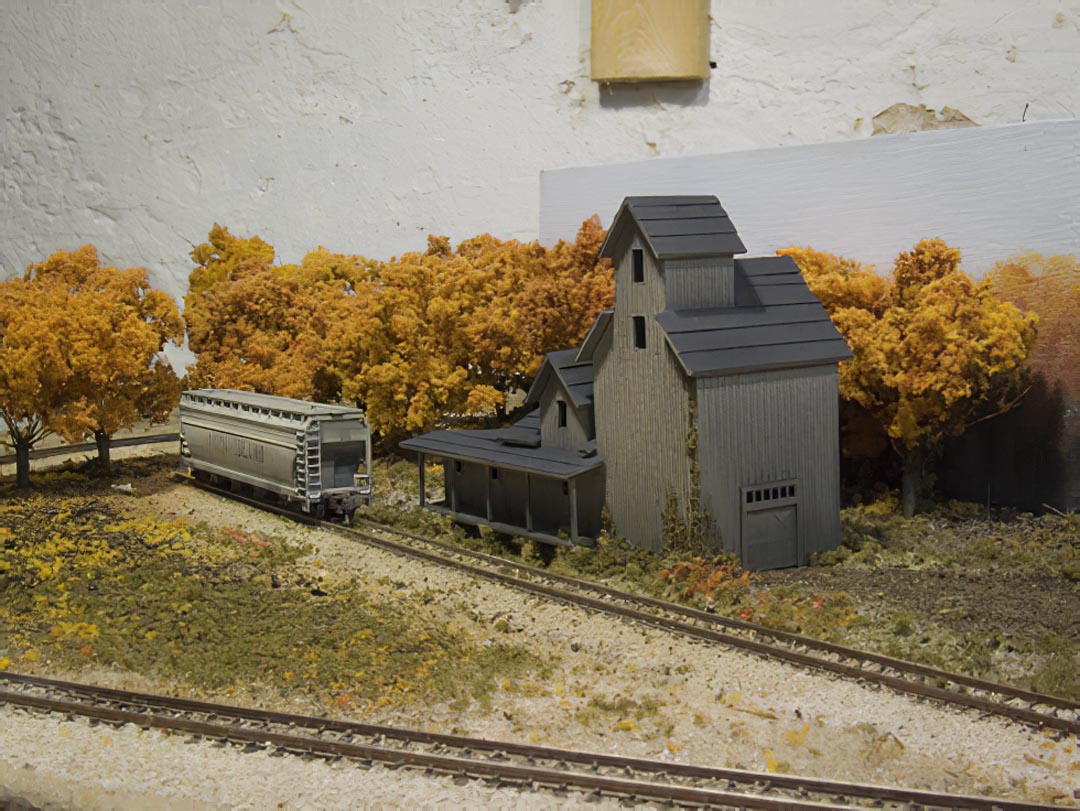
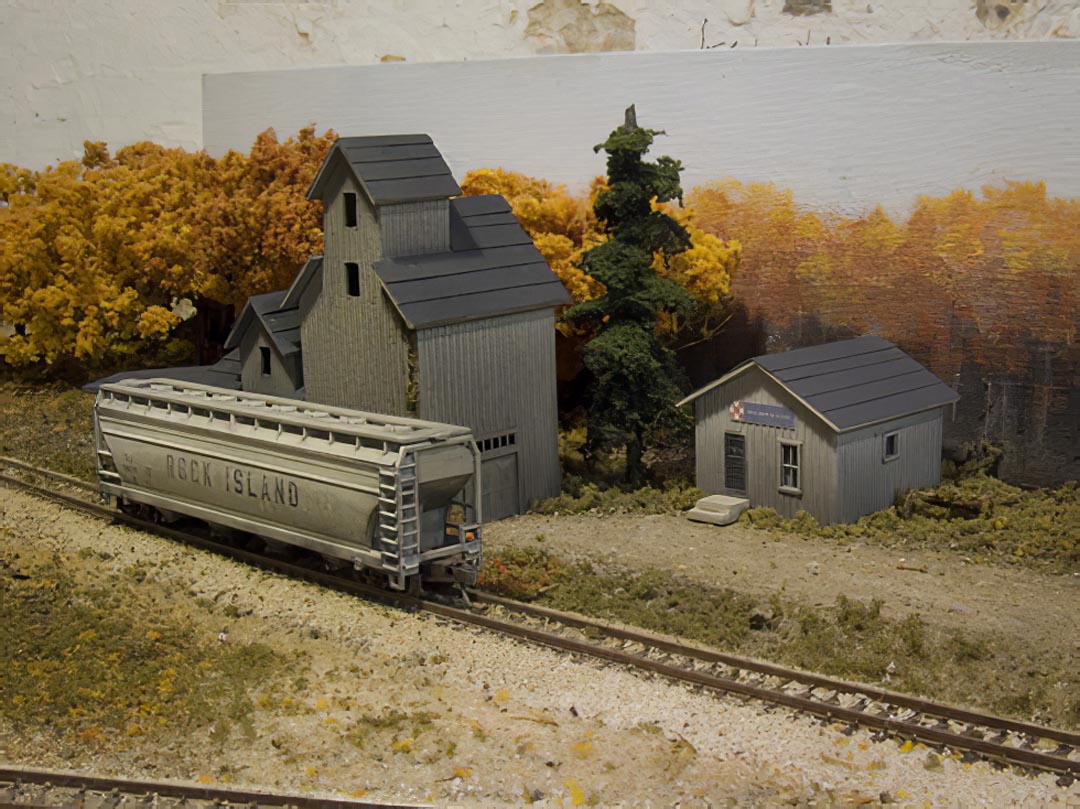
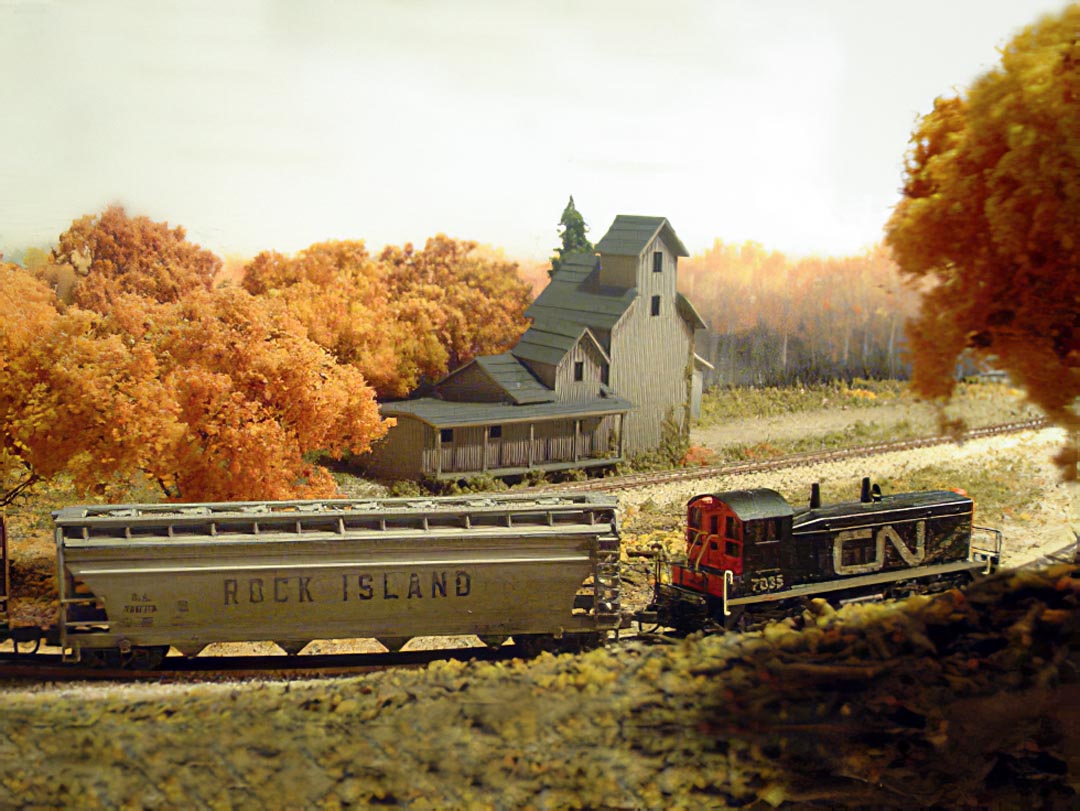
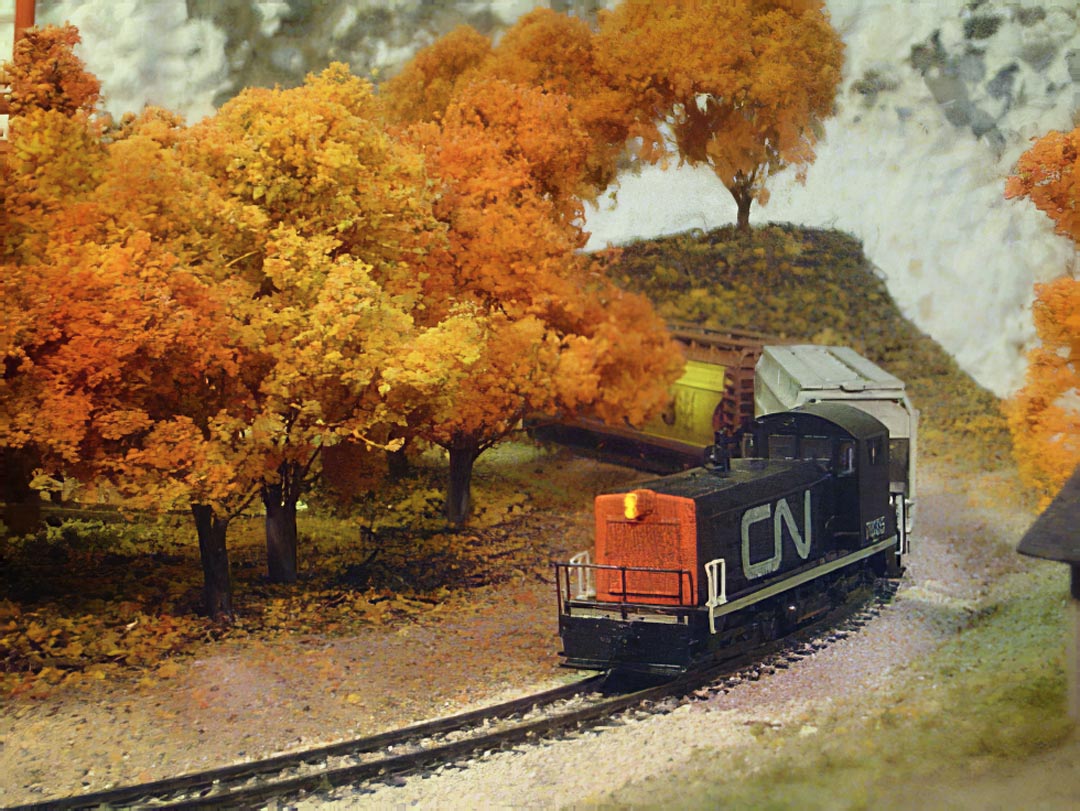
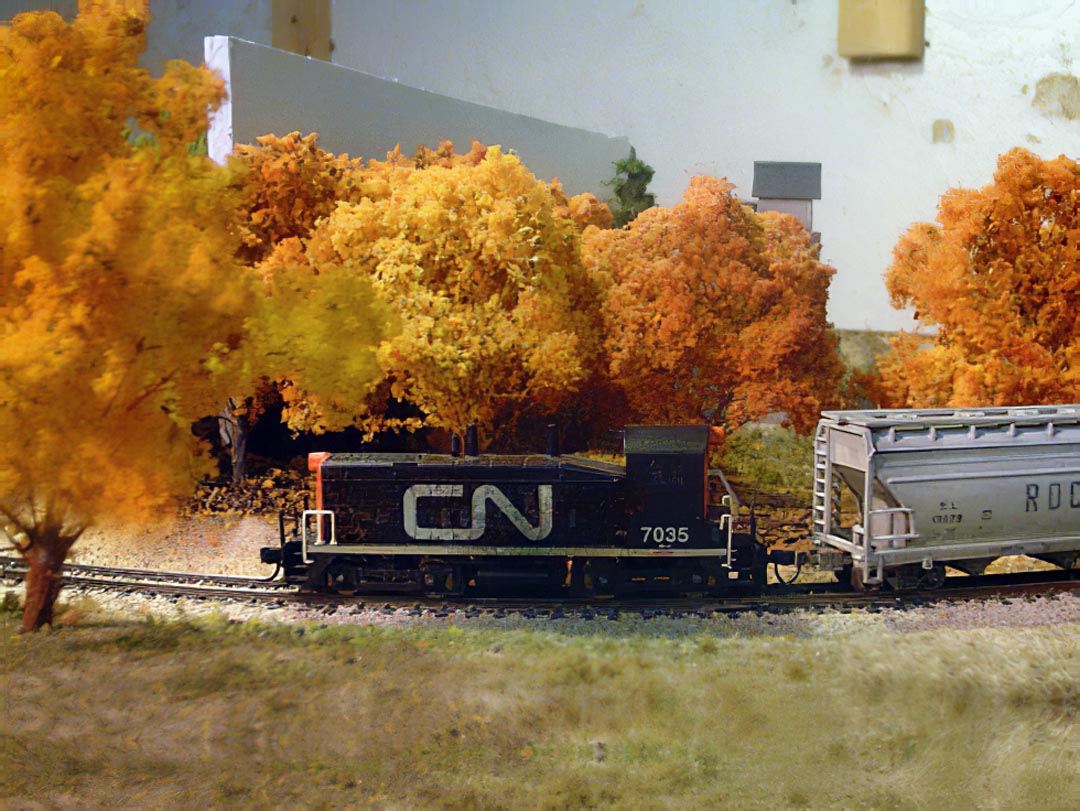
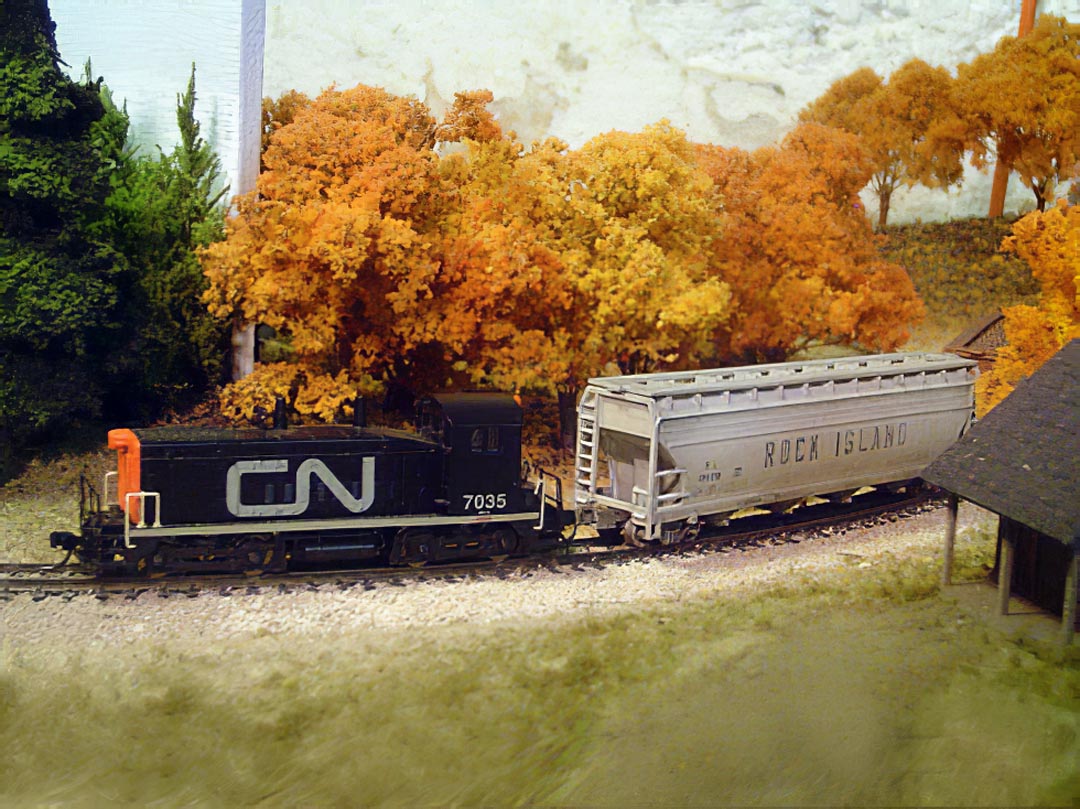
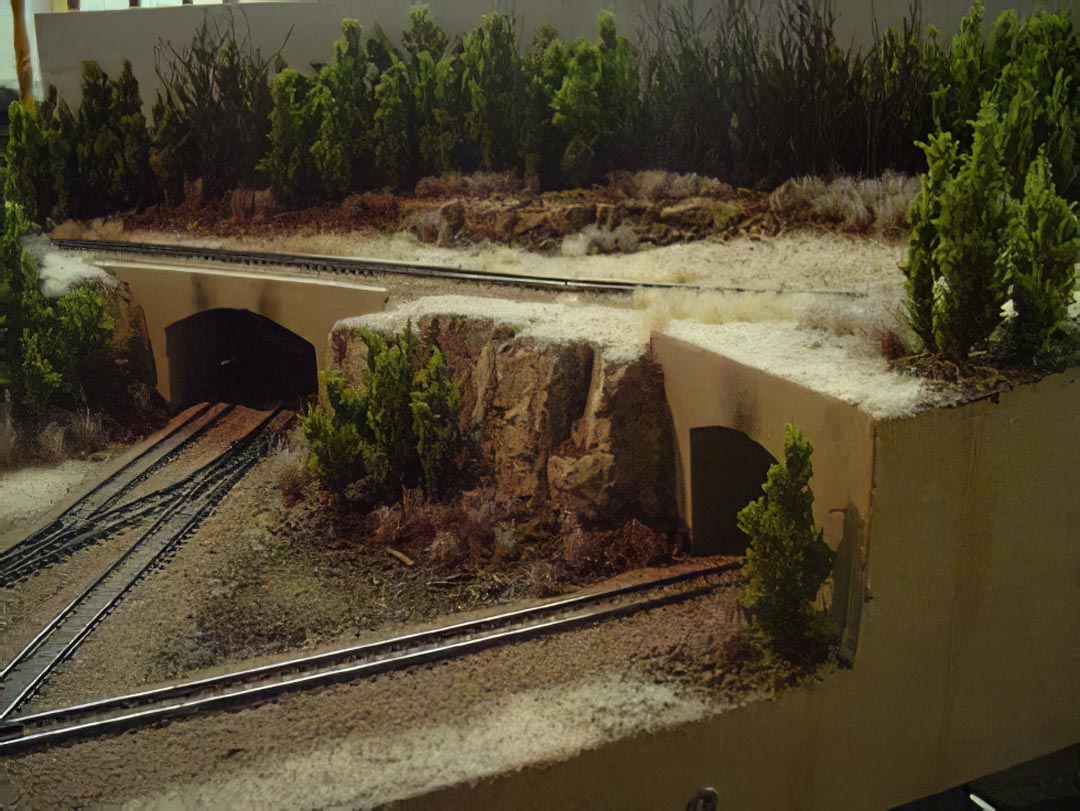
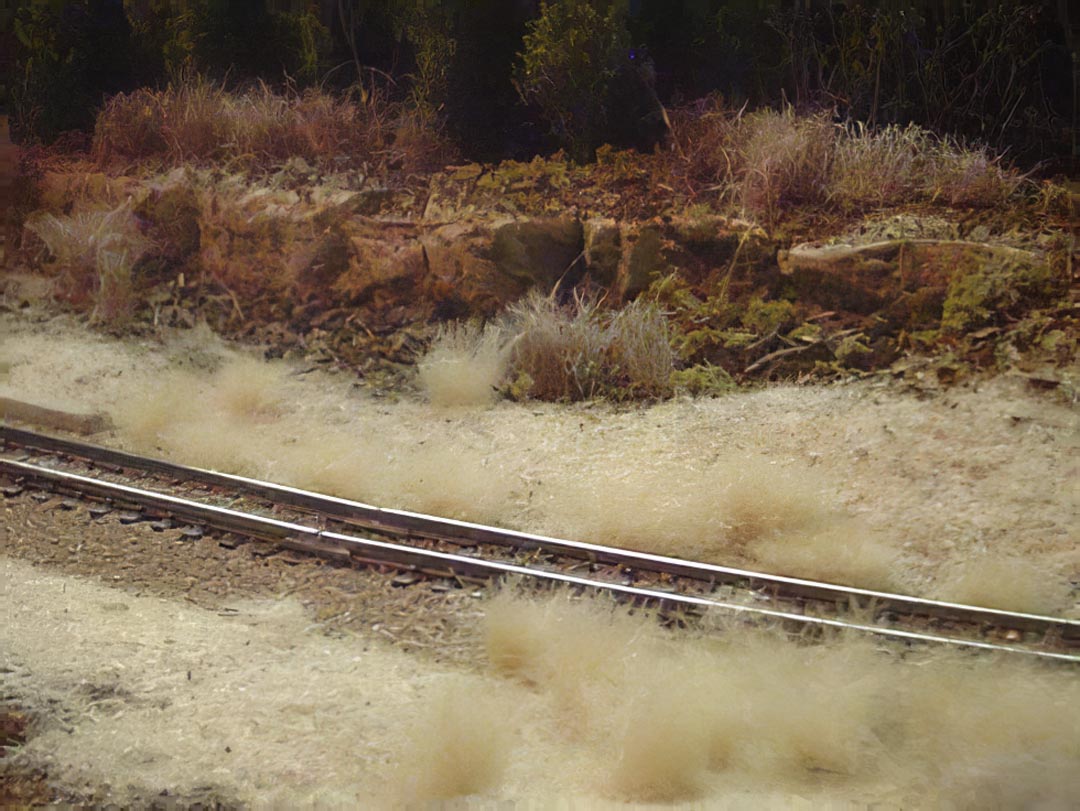
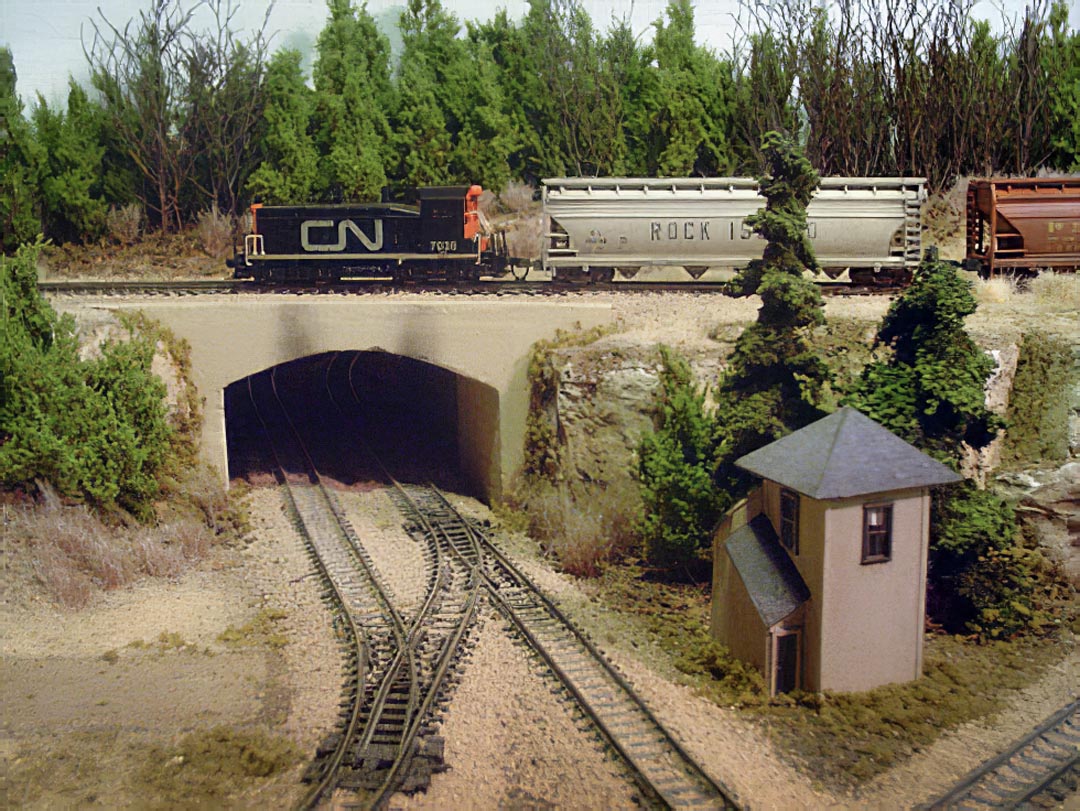
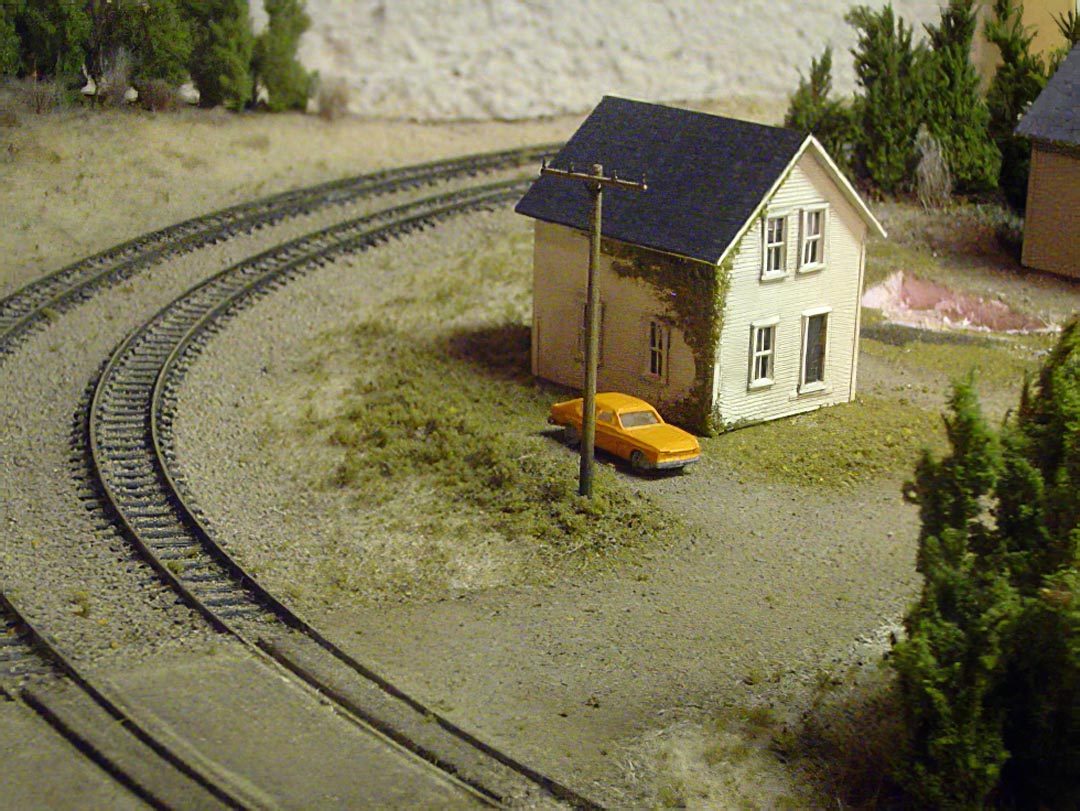
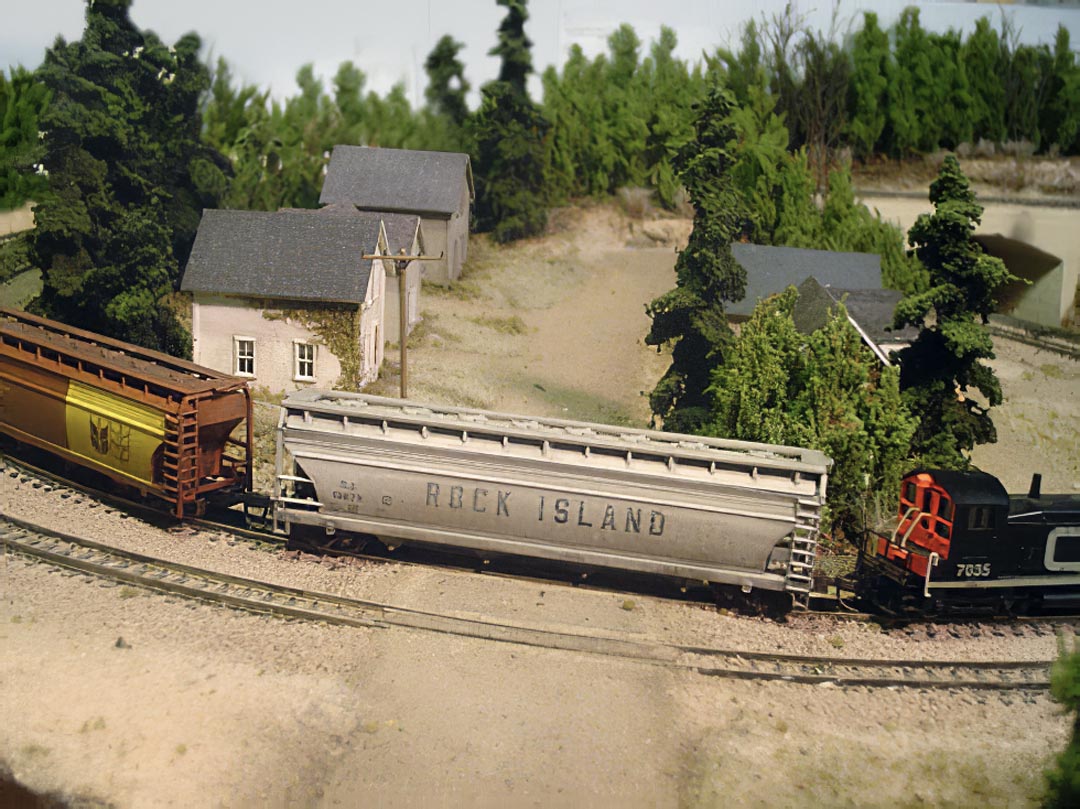
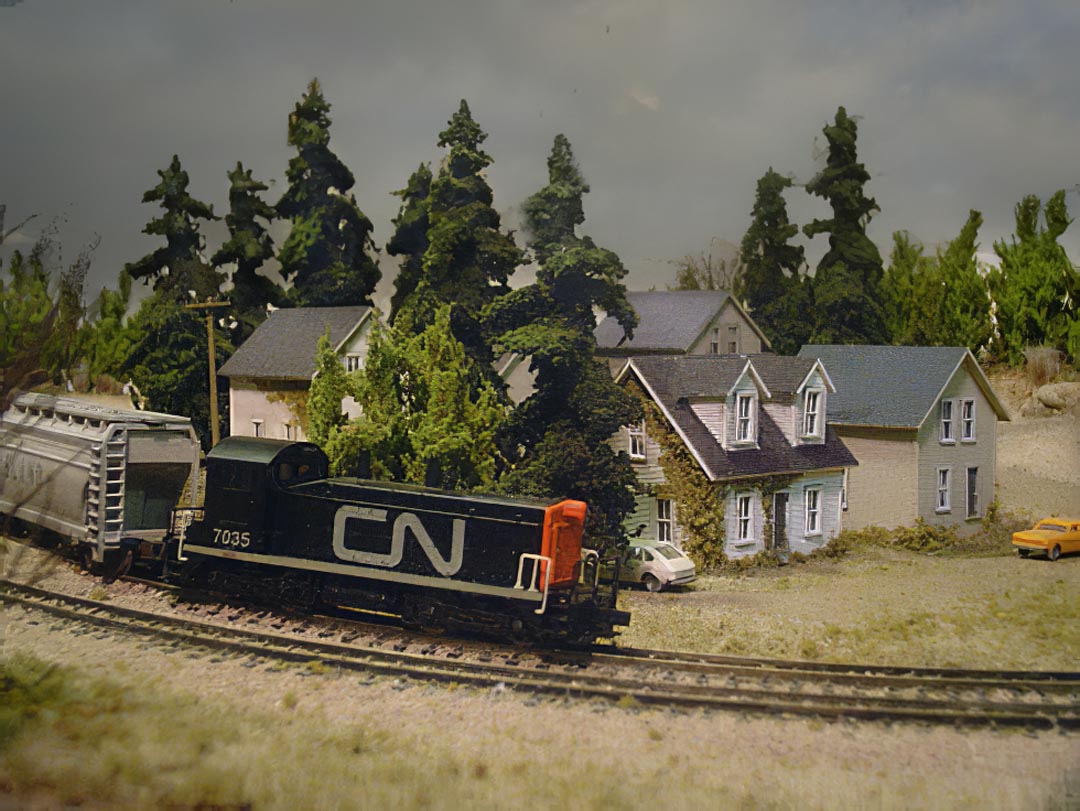
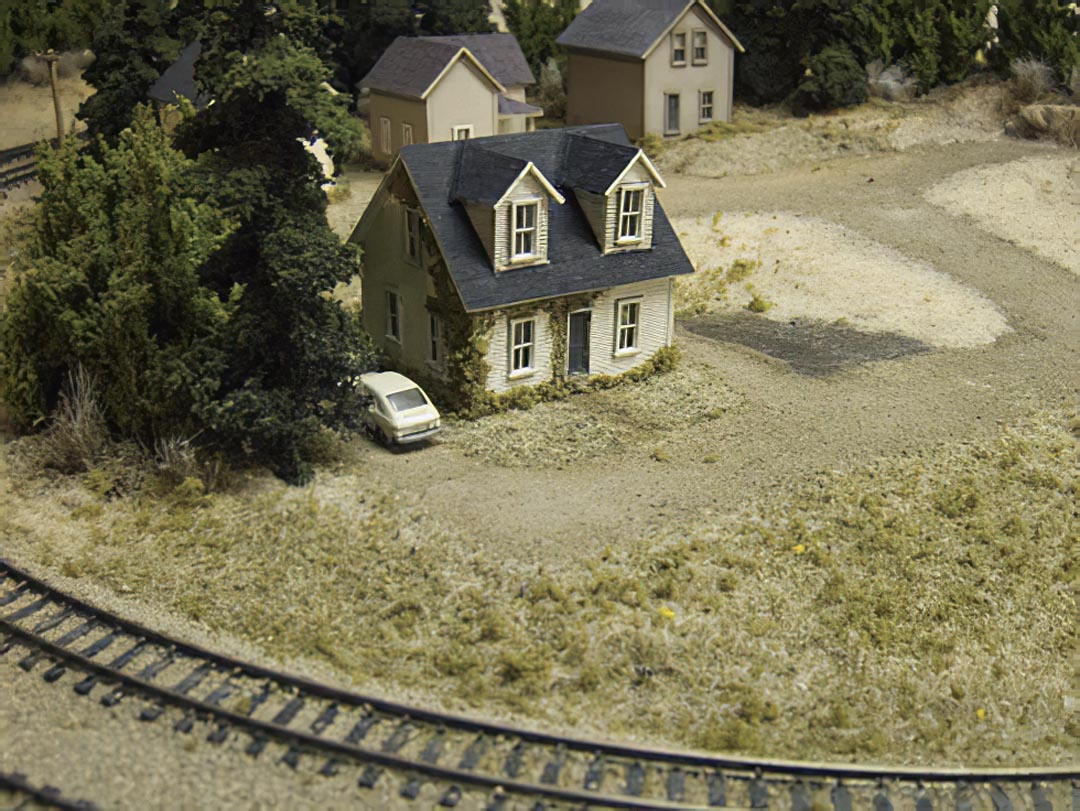
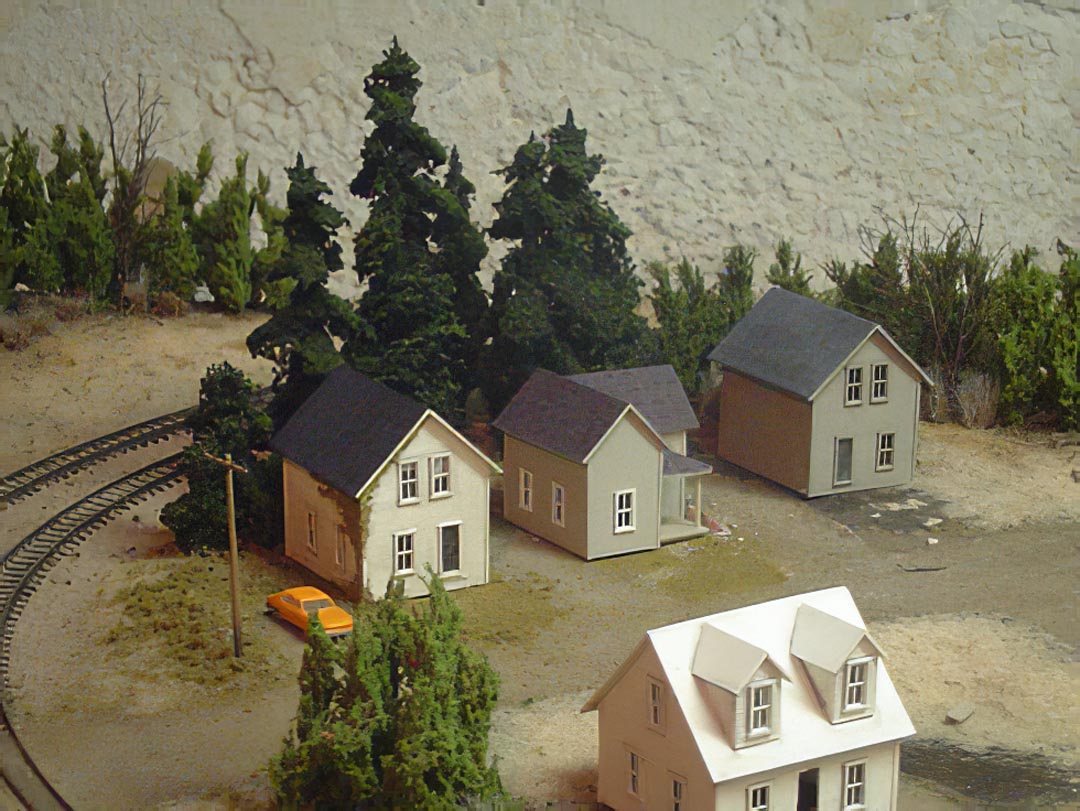
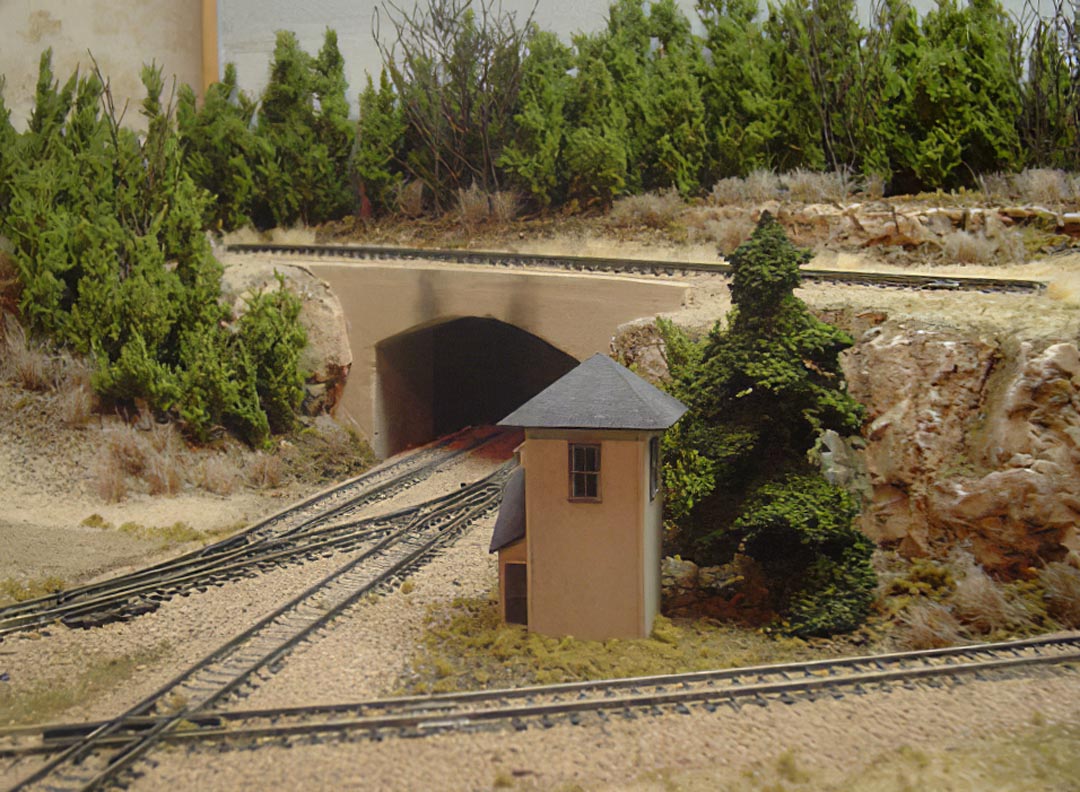
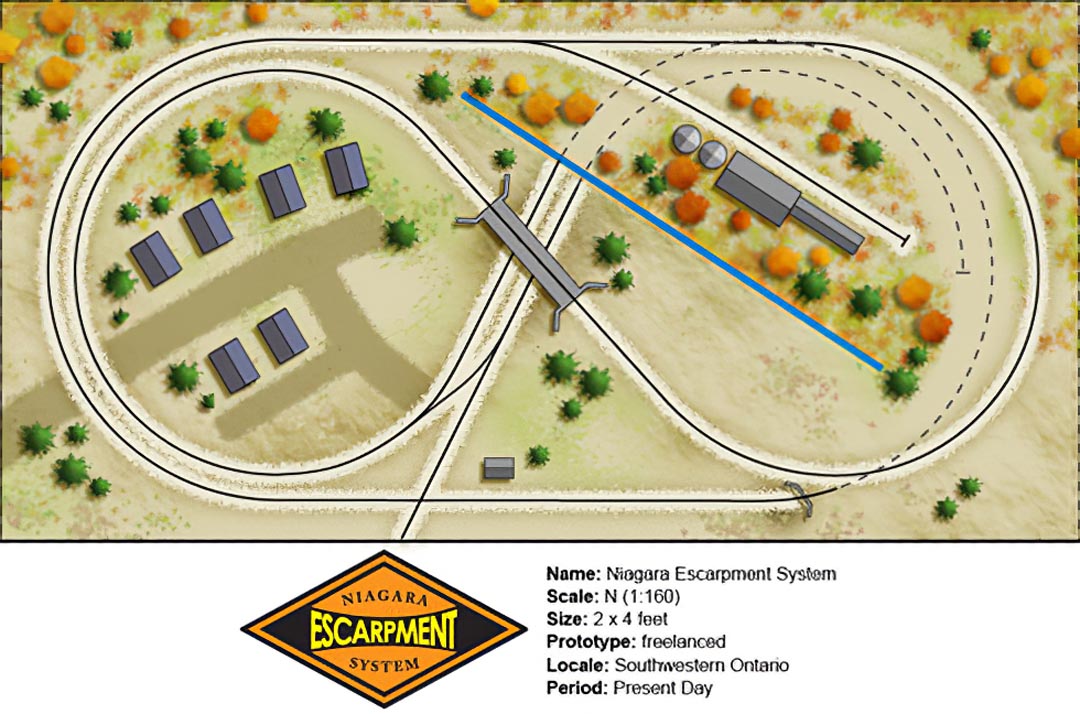
I managed to purchase some bench work supplies this week to start the new layout (introduction forthcoming) which means that I’m now committed to my Windsor Gypsum Railway Co., I can officially cease all work on the NES. The NES hasn’t had a lot of run time – the majority of my efforts have been spent learning about scratchbuilding and developing scenery techniques. As such, it seemed only fair that I run a few trains ’round the loop and shoot a few photos for prosperity. So here you have it – the final run of the NES. Thanks for the ride.

fallenflag8.jpg

fallenflag5.jpg

fallenflag6.jpg

fallenflag7.jpg

fallenflag4.jpg

fallenflag1.jpg

fallenflag2.jpg

fallenflag3.jpg

mill2small.jpgAs noted in the previous post, the feed mill looked too desolate for my liking so I set out to add a small side structure. Working from the basic dimensions of the mill I constructed a simple office building – ensuring that I matched the roof pitch and basic form of the mill to ensure continuity. In two evenings I was able to complete the project (this scratch building stuff is getting easier!) and install it on the layout.

The suggestion was put forth that I attempt to reduce the thickness of the sandpaper by sanding the backing off of the paper in an attempt to make it thinner. The problem was the only sandpaper I had on hand was the 320 grit I was using to for the shingles themselves – after a minute of sanding I had barely removed the text on the backing paper so I cut my losses and quit (an experiment to follow up on later!). Despite this, the results were much better this time as I used CA to attach the shingles rather then white glue, and I was able to pinch the seams down tight against the building – improving the appearance dramatically. (I had used white glue for the other shingles so that if I was unhappy with the results I could remove the sandpaper and glue with just a bit of water.) I airbrushed the tarpaper roof and weathered the building, frosting the inside of the windows with a bit of paint to suggest dust.

I added the ‘Balinifad Feed’ sign to the office for a bit of colour, and to help reinforce the fact that this industry was not yet defunct. The sign was designed on the computer and printed to scale. I printed 6 copies of the sign and weathered them with the airbrush before cutting them out so I could select the best of the bunch. I believe weathering before cutting so prevented the paper from curling and the resulting sign sits quite flat against the building.

I’m very happy with how this turned out and I can now say that all of the structures are done!

mill21.jpg

mill22.jpg

milldonesmall.jpgI spent the majority of the past week trying to clean the basement and get my airbrush working. I’m happy to report that the cleaning is done, and I finally have a usable airbrush! I’ve owned the same Badger airbrush for 17+ years and it’s worked great – the issue is the compressor. For as long as I’ve owned the airbrush I’ve also owned a very noisy compressor which I’ve been unable to use as the noise conflicts with the ‘tender sensibilities’ of the family. I finally visited the local TSC store and bought an 11 gallon air pig. It only takes about 2 minutes to fill the pig, and once filled, it lasts about 15-20 minutes. Finally, a silent airbrush!

I didn’t bother to add much in the way of detail to the mill as I’m not too interested in making a hyper-detailed model at this stage – only a suitable industry facade. I decided that I would try modeling a tar paper roof and elected to use some 320 grit sandpaper. I had used sandpaper on one of the houses and was pleased with the results, however this time I wasn’t so pleased – the sandpaper is too thick. When I had applied it as a single sheet it worked well – suitable texture and good colour, however as I layered each course on the roof, the seam seemed too thick, likewise the ‘yellow’ paper colour showed through on the edges. I finally had to airbrush the roof with a dirty black in an attempt to unify everything. Overall it looks fine, but I won’t use sandpaper again.

I weathered the building with an ink/alcohol wash and added a few light mists of dust, dirt and grime in an attempt to add a touch of weathering – nothing fancy, just enough to dull the colour and make the structure receded into its surroundings.

One of the ‘clever’ things I decided to do was to suggest the posts supporting the loading dock with groups of weeds. Gluing each of the posts under the overhang parallel and true proved to be an exercise in extreme patience, so I cheated and suggested the posts with bushes.

I think I need another smaller office building to accompany the mill – it seems too isolated and desolate… Back to the drafting table!

milldone1.jpg

milldone2.jpg

milldone3.jpg

illosmall.jpgOne of the challenges I’ve encountered in the past is trying to find and easy way to design architectural models on the computer. I’ve worked with several 3D programs as well as an assortment of CAD suites, but for the simple task of creating basic wireframe drawings for model railroad structures, I’ve settled on using Adobe Illustrator. I find that Illustrator allows me to develop drawings quickly, as well as create an interactive reference that I can use during construction. I’m not going to go into a full-fledged tutorial on how to use Illustrator – like other programs of its ilk it does have a average/steep learning curve, and isn’t the cheapest program available – it’s intended for use in the graphic design industry so the majority of individuals don’t have access to the program. For those who do have it and use it, here’s a quick outline as to how I create my scale drawings.

Step one: create a representative scale

While Illustrator can express all objects as imperial units, trying to design a full size structure using the program is impossible as the page margins are quickly exceeded by any 1:1 drawing. Instead, I’ve found that it’s easiest to use cm as a representative unit for feet. Ie. 3cm = 3feet. Thus, I start a new document using cm for the basic units and rulers.

Step two: express fractions as decimals

As every foot has 12 inches, it’s difficult to design components without first translating the measurements to decimal equivalents. To do this I use the following table.

1″ = 0.08cm
2″ = 0.17cm
3″ = 0.25cm
4″ = 0.33cm
5″ = 0.42cm
6″ = 0.50cm
7″ = 0.58cm
8″ = 0.67cm
9″ = 0.75cm
10″ = 0.83cm
11″ = 0.92cm

With this, a door that is 3′ x 6′8″ becomes 3cm x 6.67cm. Using this, I can specify exact measurement using the transform tool, as well as add two dimensions together easily.

Step three: scale to N

Once I have finalized my drawing, I reduce the overall size to 13.72% of the original to create a full-size N scale rendering. Because we are working in cm, the drawing has already been scaled down considerably – it now only needs to be reduced further to be an exact 1:160 rendering.

Step four: build with the computer

I now have the option to print the drawing at 100% and use this hard copy as a reference, or I can simply pull the drawing up on the screen of the computer and work with it as I build. I find the latter method easier as clicking on any aspect of the drawing will give me exact measurements expressed as cm. So in the case of my 60′ long feedmill, selecting the entire drawing (and referencing the transform tool) tells me that I need to cut the base of the structure 11.43cm long. In the case of the second decimal place, I typically round this measurement to the nearest decimal. Doing so does cause some inaccuracies in the build, but usually 1mm can be compensated for quite easily.

So there you have it. Again, for those unfamiliar with the program this will likely be a rather cryptic explanation. I hope that for those of you who do use Illustrator, this may offer an easier option for scratchbuilding then graph paper and pencils.

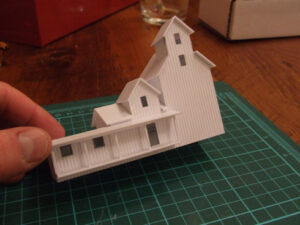
Based on the drawing I completed two evenings ago, here is the progress on the feedmill: I’ve managed to completely construct the basic structure. All that needs to be done now is add some paint and details.

illo1.jpg

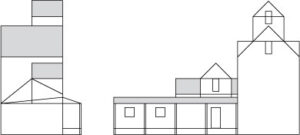
industry.jpgI’m really quite eager to start the next railroad, but I’ve promised myself I’ll finish this one. The remaining building I need to construct serves the spur on the autumn portion of the layout. I decided that a feed mill would be the most appropriate industry, so I went hunting for a few images. It didn’t take long before I happened upon this photo.

I reworked the photo in illustrator until I had come up with a scale schematic to work from. (*Note: most people don’t use Adobe Illustrator, let alone draft structures in them -this is something best left for CAD, however I do find illustrator fast, easy to use, and produces drawings with real measurements that I can work from.)

The draft is terribly incomplete – I just wanted to outline enough of the major architectural features for me to start building. I’ll add the details as I go along. I’m not too worried about creating an overly complex or highly accurate model – just a reasonable facsimile.

drawings.jpg

housecabincowsmall.jpgWith the arrival of my Tichy order I’ve started to make some progress on the NES. The first order of business was finishing the last structure for the town. I already had built and painted the little house, but until the windows arrived I was at a standstill. I managed to paint the windows and doors, apply a touch of weathering, plant some weeds and add a roof. Unfortunately I threw away my remaining shingles over the weekend (a delusional pre-Christmas cleaning tirade) and as I wouldn’t be able to print more until the second week of January I went hunting for a suitable alternative. I finally settled on some 320 wet/dry sandpaper. The roof lacks any definition in terms of the courses of shingles, but the texture and colour are right. One thing I’m still struggling with is the good ol’ three-foot rule. It strikes me that it would be virtually impossible to see the courses of shingles at 1:160 but many modelers elect to include them. I prefer my printed shingles, but this is a suitable stand it.

My fresh supply of windows also meant I was able to complete the little cabin I had built. Originally I built the structure for the town but wasn’t happy with the look – too rustic. I elected to set it off in a corner of the layout – no good reason for it – but I didn’t want to throw it away!

As for the cows; they were a stocking stuffer. My highly supportive wife always gets me a little ‘train’ something each Christmas, and the cows were one of her gifts. I decided that rather then let them collect dust, I’d add them. I wouldn’t have bought them, but she got such a kick out of seeing them on the layout I couldn’t say no. So, the NES now proudly boasts two Holsteins. Milk anyone?
housecabincow1.jpg
housecabincow2.jpg

newhousesmall.jpgI’ve being trying to finish up the town on the NES however progress has been slow. I finally got an evening to work on another structure and things didn’t go as smoothly as planned. Firstly, shingling around the dormers proved to be quite challenging as it was difficult to make everything fit seamlessly. When I finally got the shingles to fit and I was happy with the result I managed to accidentally touch to roof with a paint covered finger – no amount of work would hide the mistake so I had to shingle the roof twice. Second, this building wasn’t as crisply made as the others so the weathering highlighted many mistakes and required some judicious ivy applications. The weathering also revealed that I had managed to construct some of the walls upside down – the siding was the wrong direction. This wasn’t highlighted until the weathering was applied as the ink/alcohol mix highlighted the error. Finally, when I started to glaze the windows I realized that I couldn’t access the dormers as they were permanently affixed to the roof!

While these are minor errors, they did highlight some important points about assembling structures – do get too far ahead of yourself! When I first started building this little house, I should have constructed the dormers separately, weathered them, installed the glazing and then applied the roofing. I had already learned a valuable lesson earlier in ensuring you paint doors and windows BEFORE applying them, otherwise you either need to brush paint them, or simply paint them the same colour as the rest of the structure.

As such, the cottage has far more ivy then I would have preferred. Oh well. Windows and door have been ordered so I should be able to build the last house and move onto the warehouse.

newhouse1.jpg

wwgsmall.jpgEager to ‘get out of town’, I’ve started a push to finish up my small residential community. While I’m not a big ’super-detail’ fan, I do think there are some basic things that all structures need in order to blend then satisfactory into their surroundings – namely weathering. I didn’t want to spend too much time aging the buildings so I decided to settle on the technique I used here for all the buildings and call it a day.

As before, I applied a wash of rubbing alcohol/India ink to the structure using a soft brush and allowed the wash to flow into all of the nooks and crannies. I used a cotton swap to remove any excess and blot away any streaks. Happy with the overall effect, I again turned my attention to the windows. As before, I glazed the windows using some acetate, and added some blinds with regular bond paper.

I added some weeds around the base of the buildings. I find that often time modelers don’t really ‘ground’ their buildings, and an unrealistic gap is formed between the base of the building and the scenery that creates the illusion that the building is floating. Rather then attempt to add ground foam around the base of each house with a pair of tweezers after each house had been installed on the layout, I opted to glue weeds around the perimeter of each house before installing them. I brushed on a thin coat of white glue to the base of each structure and added some course ground foam.

I test fit each of the buildings, and added scenery material where necessary before soaking the entire area with wet water. I placed the building in their final locations and saturated everything with dilute white glue / water. The foam as the base of the buildings wicked up the glue and ‘pulled’ the base of the buildings into the scenery. I’ll need to wait for the glue to dry to see the results, but currently everything looks good.

Only one house and one warehouse left to build. I really should order more windows!

wwg1.jpg

wwg2.jpg

wwg3.jpg

wwg4.jpg

wwg5.jpg

wwg6.jpg

wwg7.jpg

wwg8.jpg

wwg9.jpg

scrubsprucesmall.jpgI’ve spent the last few weeks working on ways to make decent looking evergreens using scrub pads and bamboo skewers. There have been a number of articles outlining how to make trees using similar materials such as floor buffing pads, furnace filters etc., and the technique for each is virtually the same, but the product isn’t necessarily realistic. While a ‘green cone’ may remind us of a tree, it doesn’t mean it looks like one.

I’ve been fortunate enough to come across a few articles in the recent while outlining the importance of trying to capture the overall shape of a tree – too often we are content to put branches on a truck and declare the tree finished without actually referencing the ‘prototype’. With this in mind I set out to try to create a fairly reasonable facsimile of a black spruce.

(The black spruce is a tall, narrow evergreen tree common in Ontario. At the turn of the century they were typically planted in rows on farms to create wind-blocks, and are one of the tallest evergreen species found in southwestern Ontario. They are typified by their sparse drooping boughs and dark colour)

I came up with the following technique and managed to manufacture some fairly decent looking trees. Critically speaking, they are too dense and should be more airy, however I’m quite happy with their overall look, as well as their cost, less then 2 cent a piece!

scrubspruce-001.jpg

scrubspruce-002.jpg

I first started by separating a green kitchen scrub pad into 4-plys. Peeling the pad apart in easy the first time, but does take some additional care for the second pass.

scrubspruce-003.jpg

I next cut out a long triangle from pad, roughly 1″ wide at the base, and then cut this into a series of successively smaller triangles.

scrubspruce-004.jpg

I teased out the largest end of each triangle with my fingers to remove the visible corners, and then pushed each of the triangles onto the bamboo skewer, turning the skewer 90 degrees each time I added a triangle.

scrubspruce-005.jpg

I coated all the boughs and the trunk with black spray paint and then liberally applied some sawdust. I stood the tree upright in a block of foam and adjusted the boughs as necessary. I let the tree dry for 15 minutes. (This is important as if you move to the next step before the tree has dried the weight of the paint/sawdust/foam will cause the boughs to sag too much and adhere to the trunk

scrubspruce-009.jpg

I finished the tree by adding a second coat of black spray paint and then a dusting of green-grass fine ground foam. I over sprayed the entire tree with a bit more black paint to dull the colour a bit and then added one last sprinkle of ground foam ‘ from directly above the tree ‘ creating some highlights.

Once the tree was completely dry, I cut the trunk to the appropriate length using side cutters, and planted it using an awl.

scrubspruce-007.jpg

scrubspruce-008.jpg

weatheredbuildingsmall.jpgWeathering is a facet of model railroading that I have never really explored. My only experience with weathering was over-spraying a water tower with white paint when I was 12. I have read many articles on weathering published in the MR press, and browsed countless websites and forums researching the topic. This research has revealed that there is many ways to apply weathering, and there is no ‘right’ way; simply a multitude of different techniques that are employed because they are the preferred method of each individual modeler who has learned to control the results of their unique process, and are comfortable working with a method that produces predictable outcome. I also discovered that weathering is a hobby within a hobby. The same way that there are modelers who focus their attention on operations, prototype modeling, rolling stock, structures etc., there are modelers who enjoy super-detailing and weathering buildings.

I’m not one of those people.

My preference is scenery construction and I consider structures part of the overall layout – not models within a model. Therefore, I simply wanted to find a way to kill the shine, dull the colour, and allow my structures to blend into their surroundings. The answer was in a simple India ink / alcohol wash.

I mixed 6 drops of India ink with 1/2 cup of rubbing alcohol to create a dirty wash, and using a soft brush, I applied an even coat of the wash to the entire structure. I found that in places the wash seemed to be ‘resisted’ by an oily residue – perhaps from a fingerprint. In those spots I scrubbed the spot with the paintbrush and the spot disappeared. As the structure began to dry, it became apparent that the wash was too strong, and as it was starting to pick out the flaws as well as the details. Using a cotton swab, I gently wiped away the majority of the ink, and soaked up as much wash as possible from the imperfections. The entire process only took a few minutes, and when I was finished the structure had a dulled, dirty appearance that I was happy with.

I wasn’t happy with how pronounced one of the corner seams was, so as soon as the wash was dry I dabbed some white glue onto the seam and the area below the soffits and sprinkled on some ground foam to create ivy. While the glue was drying I divided my time between adding some more paper shingles to another one of the structure as well as cutting some acetate sheets and bond paper to create window glazing and blinds. Once the ivy had dried I glued the acetate to the inside of the walls, as well as the blinds, and gave the entire structure a final misting of matte spray.

Overall I’m quite happy with the building and the weathering effect. The structure itself is very simple, and has its flaws, but it does the job and at a glance blends into the layout nicely. Only four more houses to go!

weatheredbuilding2.jpg

weatheredbuilding1.jpg

weatheredbuilding3.jpg

I spent some time this evening applying my printed shingles to two other houses in an effort to better my attempts a few evenings ago. Rather then print new images with higher contrast in hopes of offsetting the ‘clouding’ effect of the testor’s dullcote, I opted to search out a different matt sealer. During my time in art school, we often sealed our charcoal drawings with a ‘fix’ spray, so I picked up a can from the local art store and decided to give it a try. Without a doubt, the results are far superior. While the spray does go on quite heavy – requiring you to spray from a distance – it provided a matte finish that is totally transparent. I’m not sure how durable the finish is, but it looks good. As well, the cost is much lower then dullcote – a large can cost less then $10.

Here’s a quick photo of the results – granted, it’s difficult to see the individual shingles in the image, but the results are pretty good.

newshingles.jpg

brownshingles.jpgblari.jpg

Having built the majority of the structures for the NES I realized that I still hadn’t figured out how to address the roofs. I wanted to shingle the roofs with regular asphalt shingles, but I was struggling to find a suitable tutorial on how to do so – most modelers seeming to prefer tarpaper roofs to shingles – tarpaper being easier to model prototypically as individual asphalt shingles are microscopically small. I found that there were laser cut shingles available from different manufacturers but their cost was higher then I was willing to pay. I decided that I would attempt to create printed shingles and see how they looked. I found a number of shingle textures online (textures are the term for images which are geared for use in 3d) and created a seamless tile of shingles in various colours, including a ridge cap. I printed the shingles on sheets of premium coated bond paper and set to work carefully cutting and attaching the sheets to the roofs of two of my structures – the signal tower and one of the houses. I first applied a coat of dark gray paint to the roof to server as an adhesive, and then carefully pressed the paper shingles into the still-wet paint. I trimmed the excess paper, and carefully blacked-out the white paper edge with a pencil. I was really pleased with the result; the roofs had a convincing shingle pattern! There were a few spots where some of the paint had seeped out under the edges of the paper and created small ’shiny’ spots – resembling large swaths of tar. I decided to spray each of the structures with some dullcote, and disaster struck. The dullcote dulled the paper and added a chalky film that completely obscured the shingle pattern, leaving only a light gray roof. I was tempted to pitch the houses into the garbage in frustration; however the light gray roofs were not unconvincing as they seem to be realistically weathered. I’ve decided that I would keep the structures and will try again. My options at this point are either to create shingle print-outs that have unrealistic contrast, in hopes of offsetting the dulling qualities of the spray, or to apply the shingles and not seal them. The latter may cause problems when it comes time to apply weathering, as I will either have to apply the roofs as the very last step, or mask the roofs to avoid changing the colour.

.

On the bright side, the dullcote on paper did create a rather realistic and instant weathering effect that might work well in other applications! Stay tuned!

.
roof.jpg

I’ve spent the last few weeks slowly building some structures for the NES. I am new to scratch building, so I’ve spent a good deal of time learning some of the different techniques. The NES doesn’t have any industry buildings, less one, so the majority of mt time has been spent designing houses for the town. I had considered purchasing some small-town structures for the layout, but after pouring over various catalogues and websites, I decided that most of the structures were to either too ‘cute’ or too new to suit my needs. I was looking for simple, straightforward buildings.

Thus, I ordered a series of windows and door from Tichy Trains, and picked up a few packages of styrene from the LHS and set to work building. The first two structures I assembled were based on the initial plan I had come up with earlier this year. Satisfied with the results, I started creating structures based on some of the houses in my neighbourhood.

The structures are still incomplete as I have yet to add shingles, finish the painting and add some weathering. Overall I’m quite pleased with how each building turned out, particularly my freelanced signal tower and Cape Cod cottage. The photographs seem to have revealed many flaws that weren’t apparent during construction, which would typically bother me, but I’m becoming more convinced that the optimal viewing distance for N scale could be a great as a few feet – at which point these defects disappear – I may not correct them in favour of starting new projects.

house3.jpg

house4.jpg

house1.jpg

house2.jpg

house5.jpg

house6.jpg

I’ve spent the last few months trying to develop a technique for modeling fall trees that is effective, easy and cheap. The large maple tree I modeled for my Pete’s Pumpkins layout confirmed that I had finally settled on a process that was simple and effective, and I’ve started adding some hardwoods to the one corner of the Niagara Escarpment System. The key was in finding suitable dried floral stems that best represented the branch structure of the native deciduous trees. I found many samples that looked good for branches but lacked decent trunk structures, until I noticed a package of cocktail straws at the dollar store!

The process is as follows:

  • Trim a number of stems from the original floral sprig and insert them into the cocktail straw creating the desired tree shape
  • Carefully apply heat (in my case a candle) to the straw until it starts to melt, and then quickly roll it back-and-forth between your fingers to create a tight, wrinkled trunk
  • Trim the tree to shape
  • Apply a coat of thick acrylic tube paint to the base of the branches to smooth any rough areas and fill the holes at the top of the trunk
  • Spray the entire tree with flat black/grey/brown paint
  • Mist the head of the tree with light coats of yellow paint and immediately apply suitably coloured ground foam
  • Add successive coats of hairspray and ground foam until the desired density and colour is achieved
  • Overspray the tree with quick blasts of red oxide primer to add colour variation
  • Touch-up with the trunk by dry-brushing highlights onto it

The set of trees seen in the following photo took two evenings to build at an average of about a half-hour per evening.

ftree1.jpgftree2.jpgftree3.jpgftree4.jpgftree5.jpgftree6.jpgftree7.jpgftree8.jpgftree9.jpgftree10.jpgftree11.jpg

The autumn portion of the Niagara Escarpment System is divided from the rest of the layout by a small backdrop. As I intended to plant a shallow deciduous forest, I needed to ensure that the backdrop would add some depth to the scene, as the trees would likely be somewhat see-through, and would lack the density I wanted.

As this is a test-bed layout, I didn’t feel it was necessary to paint a highly realistic scene, or use a photograph to create depth, as all I needed to do was keep the viewer’s attention in the foreground; the best way to do this being to under-emphasize the background.

With a gray-blue sky already established, I first took some burnt umber and black and roughed in the tree line. While the paint was still wet, I immediately blended in some of the original sky colour to create a transitional area between the sky and the ground. Next, I added some vertical slashes again using the sky colour to suggest tree trunks, adding highlights randomly to the right side of the trunk. Once the dark coat of paint was somewhat dry, I dabbed on some deep orange paint that closely matched my ground foam, and established a rough, although fairly uniform tree line. I immediately added some lighter dabs of orange paint to suggest highlights, and finished with some very light yellow-orange paint to suggest the highlights on the tree tops. While this paint was still wet, I took a dry, 2″ brush and lightly stippled the entire area, blending the colours together, adding the odd dab of orange to help blend the colours together until I had a fairly uniform, and unspectacular, backdrop.

Although the backdrop is rather flat, it will allow the foreground trees to blend seamlessly with the background, and help give the scene some much needed depth. As well, the entire exercise had the added benefit of only having taken 10 minutes.

fb2.jpg

fb3.jpg

fb4.jpg

fb5.jpg

fb6.jpg

Next Page »